


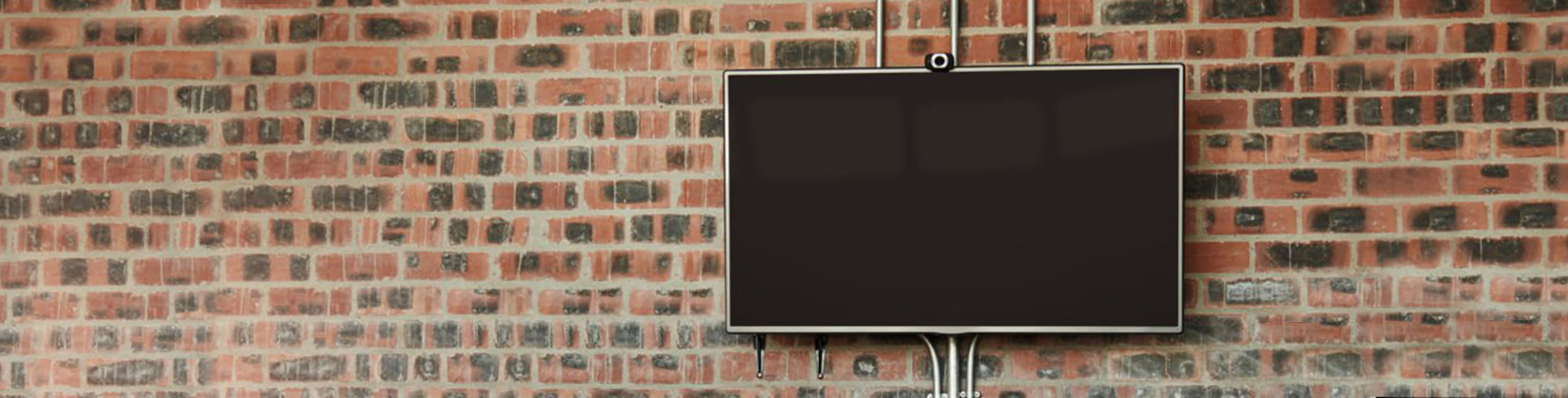
a screen hung from a brick wall, not in use

Digital display monitors are located throughout campus in buildings and parking structures. These screens are used to share news, events, and important information with the University of Maryland, Baltimore (UMB) community.

Faculty, staff, and students are encouraged to use digital displays to promote content that is relevant to a broad University audience.

UMB’s digital signage system provides a highly visible way to communicate with the campus community.

  • Displays are located in high-traffic areas across campus
  • Content can promote events, announcements, and University information
  • The system uses AppSpace for managing and distributing content
  • The Office of Communications and Public Affairs (OCPA) and UMB Police may post important or emergency messages

For technical details about digital signage, visit the Center for Information Technology Services (CITS) website.

Content Guidelines

To ensure consistency and readability, all submissions must meet the following requirements:

  • Keep text clear and concise
  • Follow UMB editorial style guidelines
  • Ensure content is relevant to a Universitywide audience
  • Consider the audience in specific buildings where displays are located
  • When possible, link to a website for more information

If you are promoting an event, include:

  • Who (sponsoring department or organization)
  • What
  • Where
  • Cost
  • Registration link
  • Restrictions (if applicable)

The following will not be approved:

  • Invitation-only events (lectures, seminars, etc.)
  • Closed meetings for specific groups
  • Events hosted by external institutions
  • Advertisements, endorsements, or commercial promotions
  • Content not relevant to the UMB community

  • Submit requests at least 3 business days before the desired start date
  • Include an end date (maximum display time: 3 weeks)

Event Timing

  • Event promotions may begin up to 10 days before the event
  • Displays will be removed on or before the event date

Submissions that do not meet requirements will be returned for revision.

  • Format: JPEG only
  • File naming convention: Department_Event_Location_RunDates

Examples:

  • SMC_HealthFair_SOD_April5-May1_2018.jpg
  • CPA_PresidentsMessage_SOM_May1-May30_2018.jpg

Digital displays vary by location. You may need to create multiple versions of your design.

Standard Sizes

  • Horizontal: 1920 × 1080 px
  • Vertical: 1080 × 1920 px

Sizes by Location

1920 × 1080 (Horizontal):

  • BioPark
  • Health Sciences and Human Services Library
  • Lexington/Saratoga buildings
  • Parking (horizontal displays)
  • School of Dentistry
  • School of Law
  • School of Medicine
  • School of Nursing
  • School of Pharmacy
  • School of Social Work
  • SMC Campus Center
  • Community Engagement Center

1080 × 1920 (Vertical):

  • Dental Museum
  • Parking (vertical displays)

Color

  • Use strong contrast between text and background
  • Follow the UMB color palette when possible

Fonts

  • Use clear, readable fonts
  • Minimum size: 40 pt for visibility at a distance

Logos

Emergency Messaging

In emergency situations (e.g., severe weather, campus safety issues), digital displays may be overridden to show critical information.

These messages are managed by authorized University personnel.

Need Help?

For questions about digital display submissions or guidelines, contact:

Kristi McGuire
Director of Marketing and Communications
Office of Communications and Public Affairs
410-706-5768